


- Home
- For your team
Every role sees what it needs to work
Everyday actions take just a few steps, with large buttons and specific messages. The same status looks the same on the floor plan, in the lists and in the kitchen, and never relies on colour alone.
Waiting staff
Less searching and fewer questions: knowing what to offer, whom to serve and which dish to take to each diner.
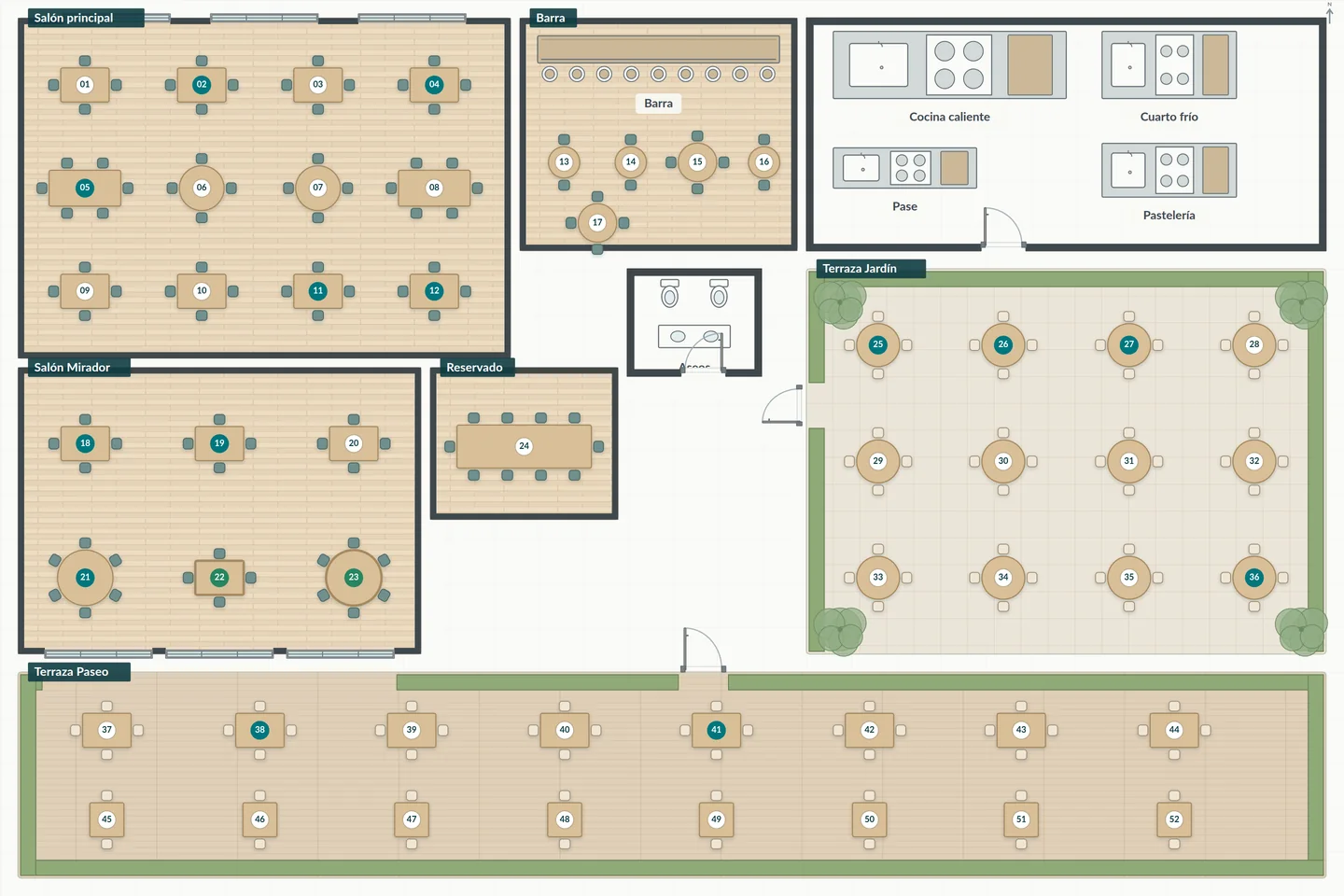
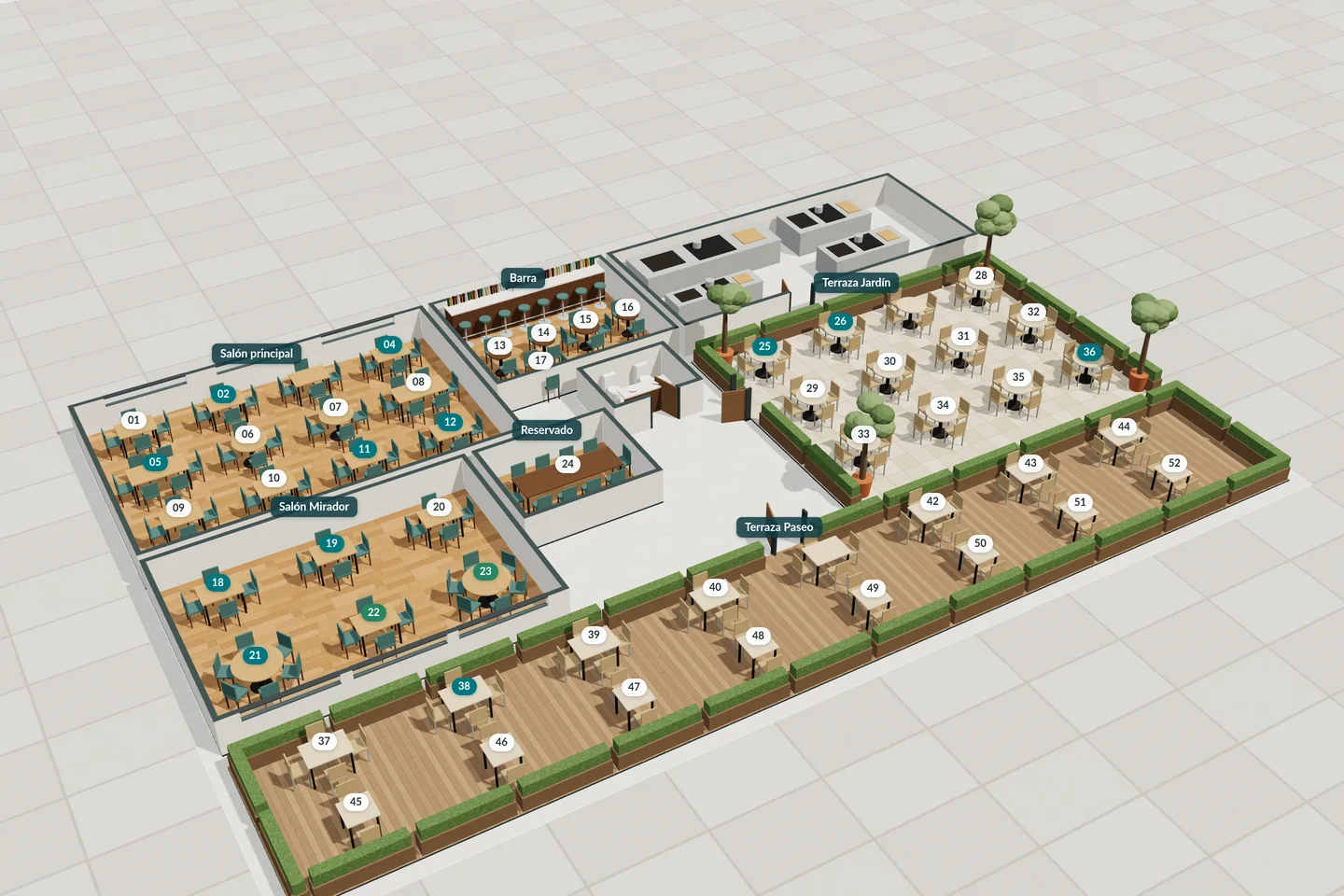
- Tables and seats with their occupancy, what is missing, what is ready and what is running late.
- Availability of each dish before offering it.
- Orders by course, with the option of bringing a dish forward when needed.
- Alerts for ready dishes, shortages and delays that show the table, area and seat.
- The customer preferences needed to look after their visit.
Head chef and cooks
Work organised by timing, clear instructions and acknowledged changes to avoid backlogs and misunderstandings.
- The head chef manages recipes, preps, stations, capacities, availability and priorities.
- Each cook sees the work for their station, with instructions, start, finish and incidents.
- A change made after preparation has started must be acknowledged by the kitchen.
- Special requests and allergens are flagged on each task.
- Remaking a dish creates a new preparation linked to the original incident.
T4 Salad: timed to go out with the rest of the course.
T9: the course is on hold until front of house releases it.
Cashier
Bills, payments, invoices, refunds and cash counts without separate spreadsheets.
- Taking payment, splitting a bill or moving a table does not deduct ingredients again.
- Discounts are spread across the lines while keeping their tax treatment.
- Card terminal payments are recorded with their reference, without storing card details.
- A full invoice from a receipt already issued, when the customer asks for one.
- Part 1€21.44Card
- Part 2€21.43Cash
- Part 3€21.43Pending
Purchasing and stores
Purchase suggestions, deliveries, batches, expiry dates and stock counts with the real cost of what comes in.
- Suggestions take into account pack size, full packs, offers, delivery charges, minimums, lead times and expiry.
- What was ordered, what was accepted and what was actually paid are compared at each delivery.
- A recent catalogue price confirms neither the purchase nor the delivery.
- A stock count showing less stock than expected flags the affected reservations.
| Supplier and pack size | Usable price | Age |
|---|---|---|
| Harbour distributorFresh loin, 2 kg | €38.50/kg | 2 days ago |
| WholesalerFrozen loin, 1.35 kg usable | €41.10/kg | 5 days ago |
| Supermarket250 g tub | €47.60/kg | Outdated |
Owner or manager
A connected view of operations, costs and sales to prioritise improvements and check their effect.
- Profitability, purchasing, use of tables and areas, and customer relationships.
- People, roles, permissions, shifts, devices and restaurant settings.
- Review of incidents, complimentary items, refunds and till discrepancies.
- Every indicator leads to its detail and explains its calculation, its period and the missing data.
And for your customers
Clearer answers, well-timed dishes and more attentive service throughout the visit.
- Being identified is optional: they can book, eat and pay without a profile.
- What they ordered once does not become a health profile or marketing messages.
- They can take their leftovers home, with the container recorded.
- Their profile can be corrected or archived when they ask.
6 visits so far
- Stated
- TerraceQuiet table
- Observed
- Tuna tatakiWhite wine
- Average spend
- €42.30 per closed bill
- Group
- 2 group bills, no personal spend

Request a StockRest walkthrough
Tell us how your restaurant works and we will show you how the dining room, kitchen, purchasing and till fit together.